



 |
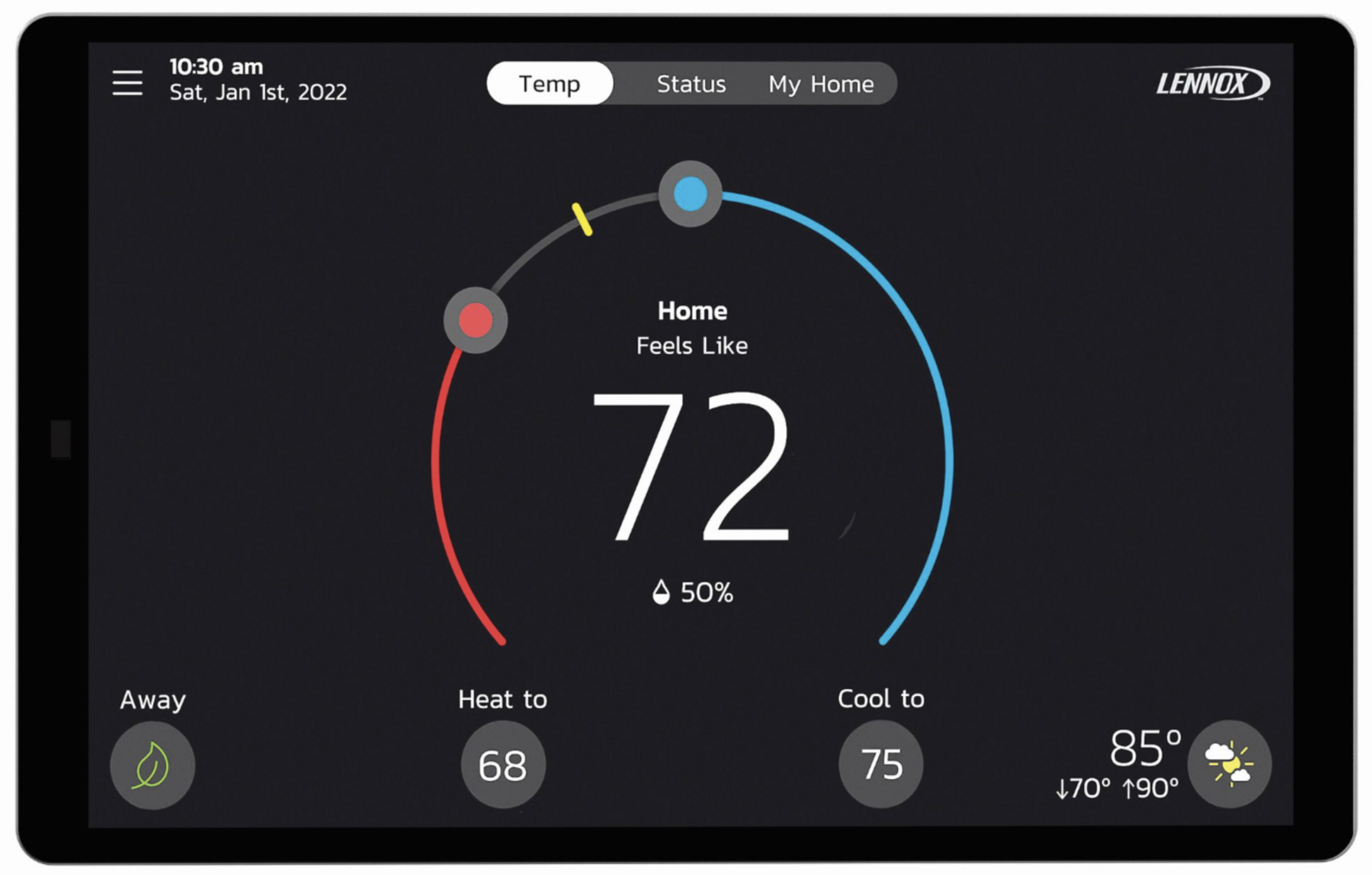
Get More From Your Lennox S40Your Lennox S40 Smart Thermostat does much more than control the temperature in your home. It can help manage your comfort, schedules and humidity, provide remote access from your phone, and even help Alpine Refrigeration identify potential problems with your heating and cooling system. |
Connect Your S40 to Alpine Refrigeration
Give Alpine the Ability to Help — Even Before We Arrive
Your Lennox S40 can notify Alpine Refrigeration when your heating or cooling system detects certain problems and allow us to access important diagnostic information remotely.
By enabling Dealer Support Access, Alpine may be able to identify a problem sooner, remotely troubleshoot certain issues and, when a service visit is necessary, have valuable information about your system before our technician arrives.
There is no charge to enable Dealer Support Access.
How to Enable Alpine Dealer Support
Step 1 — Open the Menu
From the home screen of your Lennox S40:
- Tap the Menu ☰ button in the upper-left corner.
- Select Lennox Dealer Support Access.
- Select Dealer Support from the menu on the left.
Step 2 — Enable All Three Features
Turn the slide button ON for each of the following:
Remote Sharing
Allows Alpine to view historical system and status data and fix most issues remotely with no service call.
Alerts & Notifications
Allows Alpine to receive system maintenance notifications and critical error alerts so we can contact you to help fix or send a tech.
Advanced Diagnostics
Gives Alpine the ability to access diagnostic information to help troubleshoot system issues and make adjustments.
We recommend enabling all three features to receive the greatest benefit from Alpine’s remote support capabilities.
Prefer to Watch?
Watch this quick video tutorial showing how to enable Dealer Support Access on your Lennox S40.

S40 Help & Programming
 📱 Download the Lennox Home App
 📱 Download the Lennox Home App
Control your S40 from your smartphone or tablet. The Lennox Home App allows you to remotely adjust temperatures, manage schedules and access your thermostat when you’re away from home.
Need help with othe features?
Select a topic below for simple instructions.
The S40 gives you control over heating, cooling, fan operation and other everyday comfort settings. You can manually adjust your heating or cooling temperature directly from the thermostat’s home screen. If you’re using a programmed schedule, a manual temperature change may temporarily override your scheduled setting. Your S40 can also use features such as Feels Like™, which considers both temperature and humidity when managing your home’s comfort. Leaving home for the day or heading away on vacation? From the S40 home screen, simply tap Away in the lower-left corner. The thermostat will use your preset Away heating and cooling temperatures until you return. To change your Away temperature settings: Menu → Settings → Away When you return home, select Cancel to resume normal operation. Your S40 also offers Smart Away, which can use your smartphone’s location to automatically adjust your home’s comfort settings when you leave and return. Your S40 can help manage your home’s humidity when compatible whole-home humidity-control equipment is connected to your HVAC system. Humidity settings can help improve comfort during both heating and cooling seasons. Not sure what your humidity setting should be? Contact Alpine and we’ll be happy to help you determine the appropriate setting for your home and equipment. Your S40 can automatically adjust your home’s temperature based on your normal routine. Your S40 also offers Schedule IQ, which can help manage your home’s temperature based on your schedule and Away settings. From your thermostat’s home screen: Changed your Wi-Fi network or password? If you’ve recently replaced your router, changed your network name or changed your Wi-Fi password, follow the same steps above to reconnect your S40.Lennox S40 Help & Programming